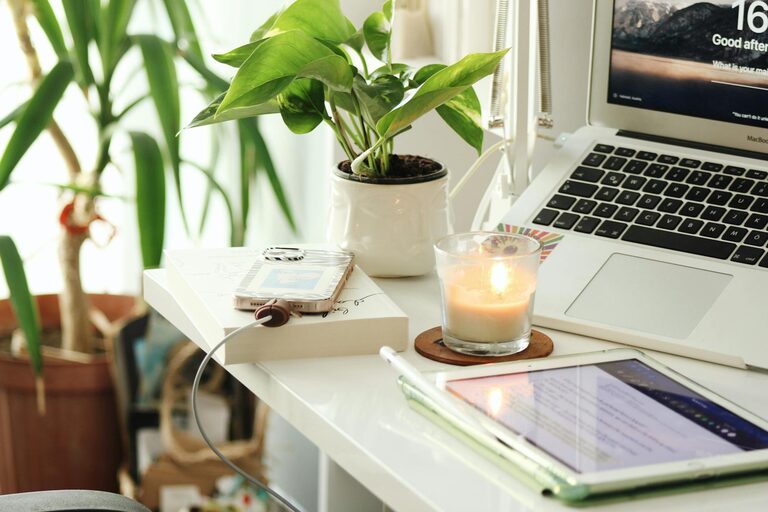
Creating a productive home office environment is essential for anyone who works remotely, freelances, or simply needs a dedicated space to handle personal projects. With the right setup, you can enhance your focus and make your workday more enjoyable and efficient.
In this post, we’ll explore practical tips to help you design a home office that supports productivity while maintaining comfort and organization.
1. Choose the Right Location
The foundation of a productive home office starts with selecting the ideal spot in your home.
– Quiet and Private: Pick a place with minimal distractions, away from noisy areas such as the kitchen or living room.
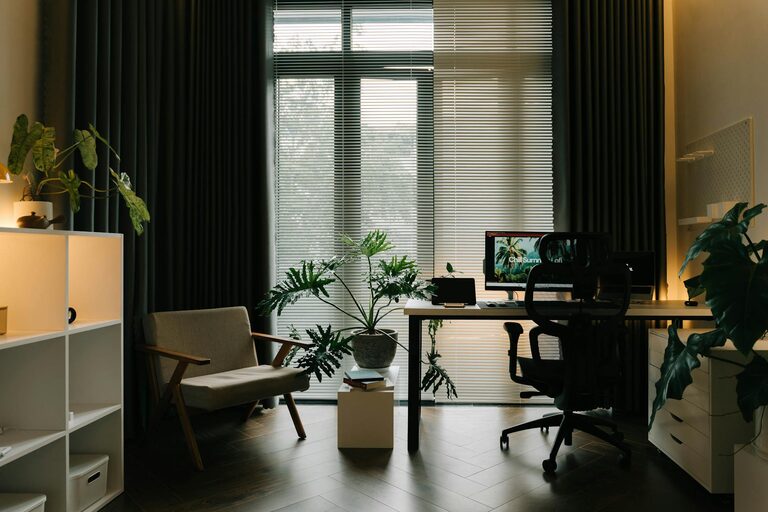
– Natural Light: If possible, choose a location near a window to benefit from natural light, which can improve mood and reduce eye strain.
– Space and Accessibility: Make sure there’s enough room for your desk, chair, and any equipment or storage you need.
2. Invest in Ergonomic Furniture
Comfort plays a significant role in how productive you can be. Ergonomic furniture helps reduce physical strain, preventing discomfort and fatigue.
– Chair: Select a chair with adjustable height, lumbar support, and comfortable padding.
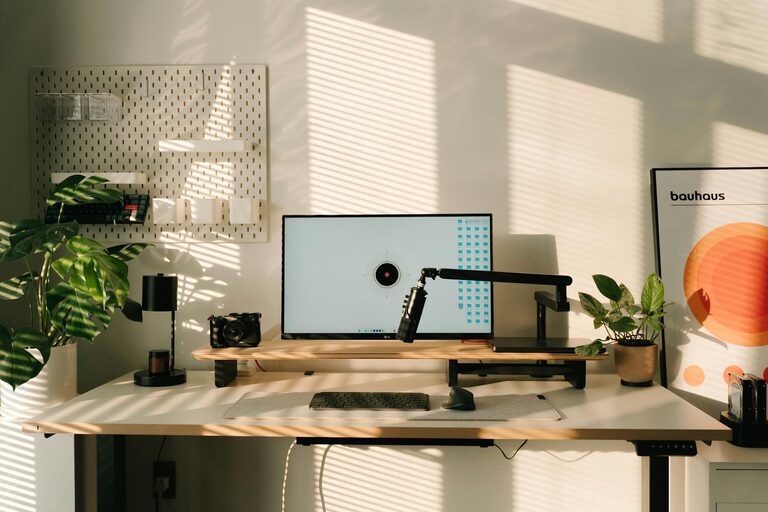
– Desk: Choose a desk that suits your work style—whether that’s sitting, standing, or alternating between both.
– Monitor Placement: Position your computer monitor at eye level to maintain good posture.
3. Organize Your Workspace
A clutter-free workspace can help clear your mind and improve concentration.
– Declutter Regularly: Keep only essentials on your desk and store other items nearby but out of sight.
– Use Storage Solutions: Drawers, shelves, and filing cabinets can keep documents and supplies organized.
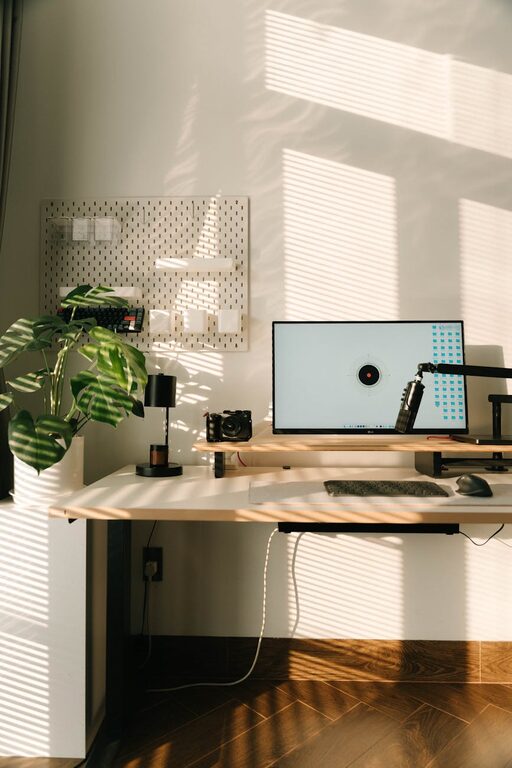
– Cable Management: Use cable clips or sleeves to keep cords tidy and prevent tangling.
4. Optimize Lighting
Proper lighting reduces eye strain and creates a comfortable atmosphere.
– Layered Lighting: Combine natural light, overhead lights, and task lighting such as desk lamps.
– Avoid Glare: Position screens away from direct sunlight to minimize reflections.
– Warm vs. Cool Light: Use cooler light for tasks requiring focus and warmer tones for comfort during breaks.
5. Personalize Your Space
Adding personal touches can make your home office a pleasant place where you want to spend time.
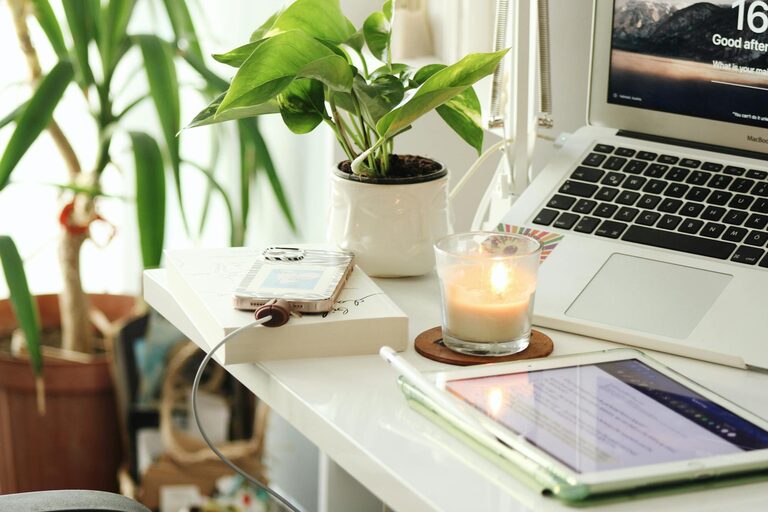
– Plants: Incorporate greenery to improve air quality and create a calming environment.
– Artwork or Photos: Decorate with inspiring images or artwork that brighten your mood.
– Comfort Items: Consider a cozy rug, cushions, or a small fan to make the space inviting.
6. Establish Boundaries
Whether you live alone or with family, creating clear boundaries helps separate work from personal life.
– Designated Work Hours: Maintain consistent start and end times.
– Signal When Busy: Use visual cues like a “do not disturb” sign.
– Separate Work and Relaxation Areas: Avoid working from your bed or couch to establish mental separation.
7. Equip with Necessary Technology
Ensure you have reliable tools that meet your work requirements to avoid technical interruptions.
– High-Speed Internet: A stable connection is crucial for video calls and cloud work.
– Backup Solutions: Use cloud storage or external drives to secure your data.
– Accessories: Invest in quality headphones, keyboard, or mouse to improve workflow.
8. Take Regular Breaks
Incorporate brief breaks to maintain energy and reduce stress.
– Follow the 20-20-20 Rule: Every 20 minutes, look at something 20 feet away for 20 seconds.
– Stretch or Move: Stand up and stretch or take a short walk to refresh your body.
– Hydrate and Snack: Keep water and healthy snacks nearby to stay nourished.
9. Maintain Good Air Quality
Fresh air contributes to focus and overall well-being.
– Ventilation: Open windows when weather permits or use fans.
– Air Purifiers: Consider using purifiers if indoor air quality is a concern.
– Houseplants: Certain plants can help filter indoor air naturally.
10. Continuously Evaluate and Adjust
Your needs and preferences may change over time, so regularly assess your workspace.
– Test New Arrangements: Try different layouts or furniture to find what works best.
– Seek Feedback: If you share your space, communicate about noise levels or distractions.
– Stay Updated: Keep your equipment updated and replace worn-out items.
—
By applying these tips, you can create a home office environment that supports your productivity, comfort, and well-being. Remember, the key is to personalize your space to suit your unique needs and to maintain habits that keep your workday balanced and efficient.